It cannot repair unclear writing
A generated reading may expose tangled sentences rather than make them easier to follow.
Workaround
Simplify the script and test one paragraph at a time.
Script to voice
Turn a written line into a voice-ready script, then assess the spoken result for clarity, pacing and fit. Fishaudio explains the workflow and its limits without assuming every voice tool offers the same controls.
Start with the path that matches your task: select an existing voice, investigate a custom voice, or work with a voice you already have. These related guides explain the distinctions.
A useful test starts with a small script, not a finished production draft. That makes awkward phrasing easier to identify and revise.
Use short sentences and spell out names or abbreviations that a listener might not recognize. Mark intended pauses with punctuation, then read the line aloud yourself before testing it.
Match the intended audience and tone rather than picking a voice on novelty alone. If a tool offers previews, compare the same sentence across candidates so the wording stays constant.
Check pronunciation, emphasis, silence and overall pace. Edit the source text when delivery feels unnatural; a clearer sentence often helps more than repeatedly submitting the same wording.
Text-to-speech and voice cloning can lead to spoken audio, but they begin with different inputs and raise different questions.
Starting material
Text-to-speech
A script to be spoken
Voice cloning
A voice reference plus a script
Main decision
Text-to-speech
Which available voice suits the message?
Voice cloning
Is this the right voice to reproduce?
First quality check
Text-to-speech
Are the words clear and well paced?
Voice cloning
Is the resemblance appropriate and consistent?
Permission concern
Text-to-speech
Confirm rights to the script and intended use
Voice cloning
Confirm consent to use the reference voice as well
Typical revision
Text-to-speech
Rewrite punctuation or phrasing
Voice cloning
Reassess the reference, script or voice choice
Best starting point
Text-to-speech
A short sample of the actual copy
Voice cloning
A permitted reference and a short test line
The fish audio text to speech query identifies a task, not a guarantee about voices, exports or usage rights. Verify the destination's current terms and controls before committing to a production workflow.
A generated reading may expose tangled sentences rather than make them easier to follow.
Workaround
Simplify the script and test one paragraph at a time.
Names, acronyms and uncommon terms can sound different from what the author intended.
Workaround
Listen to those words in context and adjust spelling or phrasing where appropriate.
The ability to generate speech does not establish permission to imitate a person or publish a recording.
Workaround
Use authorized material and check the applicable voice and usage terms.
Available formats, controls and access conditions belong to the destination and may change.
Workaround
Confirm the required output and terms before planning delivery around them.
Treat the written line as a draft and the voiced line as something to review, not as an automatic final cut.
 Written script
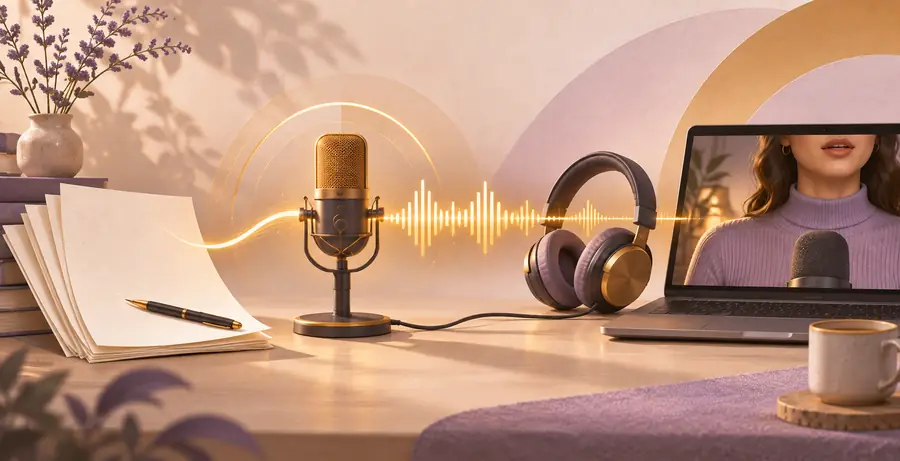 Voiced delivery
Take a short passage from your project and listen for the details that matter: a correctly spoken name, a natural pause and a tone that suits the audience. Check the destination's available voices, terms and output options before using a result publicly.
Explore speech creationText-to-speech turns written words into spoken audio using a generated voice. The quality of the result depends in part on the script, the voice choice and how the output handles pronunciation and pauses.
No. Text-to-speech describes generating speech from text, while voice cloning involves creating or using a voice modeled on a reference. A cloning workflow also calls for careful attention to the speaker's consent.
Use a short passage that includes the names, tone and sentence lengths found in your real project. Listen to the whole line, then revise unclear wording and compare again rather than judging a voice from one isolated word.
That depends on the terms of the tool, the rights to your script and the rights associated with the voice. Check the destination's current conditions and obtain any necessary permissions before publication.